Free to edit does not tell you whether the final download is included. Test the complete task before entering your career history: choose a layout, create a small draft, download it, and find out how to revise it later. Here is what to check at each step.
The short answer
Check the finished download, watermark, required file type, and any trial terms before choosing a builder. Folio currently provides free A4 CV PDFs and portable editing drafts without signup or payment. It imports DOCX but does not export Word CVs.
See the worked exampleWorked example: test a builder with one entry
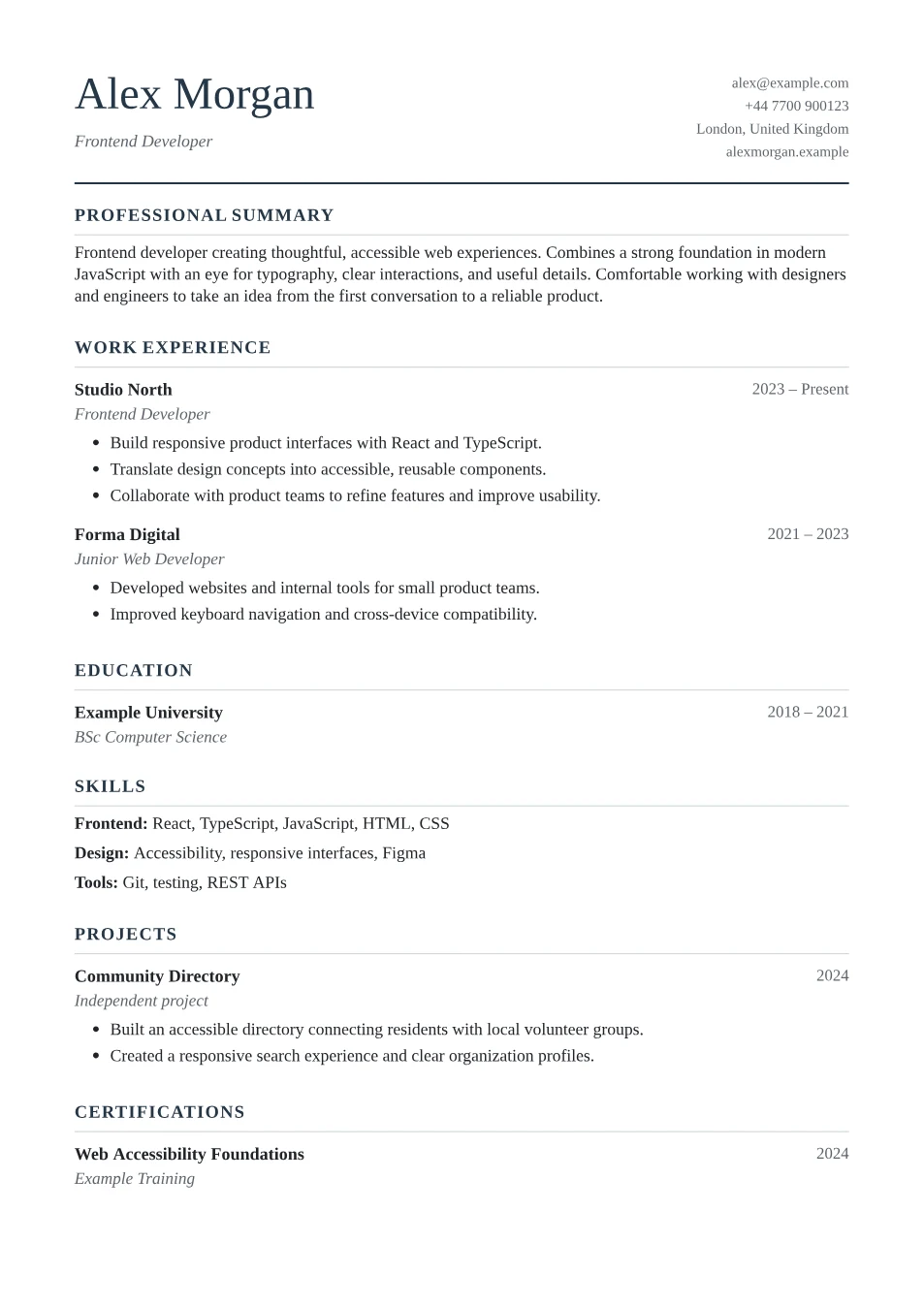
Create a fictional name, one education entry, and one short project. Select the actual layout you want and try the download. Open the resulting file rather than judging the preview alone. This small test reveals the practical limits before you spend time typing private information.
A tool can be free and still unsuitable for a particular application. If a vacancy requires Word, a free PDF is the wrong output. If you need AI rewriting, fixed sentence patterns do not provide that feature. Make the decision around the requirement you actually have.
| You need | Check | Decision |
|---|---|---|
| A free finished PDF | Open a test download | Inspect the actual file and any payment step |
| An editable Word file | Look for DOCX export | PDF-only output does not meet this requirement |
| A reusable CV | Save and reopen an editable draft | Confirm how you will revise it later |
Check the finished download first
Start with a small test document rather than your complete CV. Add a name and one entry, view the preview, and find the download action. Confirm the offered file type and whether the finished file needs payment, registration, or a subscription. Judge the workflow you can actually complete.
In Folio, editing and A4 PDF downloads are free. The downloaded CV has selectable text and no watermark. The editor imports PDF and DOCX files, but it does not export an editable Word document. That distinction matters if a particular application asks for DOCX.
Separate a free download from a free trial
The US Federal Trade Commission advises checking a trial's length, cancellation process, and terms before signing up. Apply that checklist when a resume service requests a card: identify whether you are buying one download, starting a trial, or accepting recurring access. This is a general checking method, not a claim about a particular competing builder.
All Folio layouts and the existing browser tools are free. Its summary, objective, cover letter, and bullet helpers use predefined patterns or your own words. They do not call an AI service. If you specifically need AI rewriting, read AI CV makers versus template builders before choosing a workflow.
Sources: US Federal Trade Commission: Free trials and subscriptions
Check how your information is handled
A zero price does not explain where information goes or how long it remains available. Look for an explanation of imports, drafts, account storage, and third-party processing. Use a fictional test entry while exploring an unfamiliar tool, then decide whether its data handling fits your needs.
Folio reads CV imports, edits content, and generates PDFs in your browser. A draft is saved only when you choose to save one. Read the privacy page for the full explanation, including website requests and other services on the page. Keep downloaded drafts private because they contain your information.
Keep a route back to your editable work
Look for a way to change a date or tailor a bullet after the first download. A polished PDF is useful for sending, but an editable source saves you recreating the whole document. Find out whether a draft follows an account, a browser, or a downloaded file.
With Folio, save in the current browser or download a portable JSON draft. MDN documents that local storage belongs to a website origin, and private-session storage is temporary. Do not assume that saving on one browser, device, or site address makes the draft available everywhere. Keep a portable draft and the PDF you actually submitted.
Use a short decision checklist
Choose the builder that supports your next real application. If the employer accepts PDF, check the downloaded PDF. If it requires Word or an application form, plan that step before writing everything in a tool that cannot provide the requested format.
Once the practical checks pass, focus on the content. A clear example of your work contributes more than another hour comparing accent colours. Use resume keyword matching to review relevant wording, then read the finished document yourself.
- Can I download the required format?
- Does the finished file have a watermark?
- Can I revise and back up my work?
- Are any limits or data-processing steps clearly explained?
Decide before entering your full CV
- Download a small test CV in the required format.
- Inspect the file for watermarks and missing content.
- Confirm whether the layout and writing features you need are included.
- Check signup, renewal, and cancellation terms if a service offers a trial.
- Find a reliable way to keep and revise the editable source.
Frequently asked questions
Does Folio require a credit card?
No. Its editor, templates, browser writing tools, and PDF downloads do not require payment or a subscription.
Does a free PDF download include Word export?
No. Folio imports DOCX but exports CVs as A4 PDF. Follow the employer's requested format.
Is this a comparison of current resume-builder prices?
No. It is a workflow checklist and an explanation of Folio's current features. It does not rank competing products or claim that their prices and limits have been checked.
Sources and further reading
Sources checked on . Examples are fictional; practical suggestions are Folio's own application of the guidance.