A personal project
“Built a simple booking page using HTML, CSS, and JavaScript; tested the form on mobile and fixed keyboard navigation.”
Shows practical tools, testing, and attention to usability.
First jobs · Returning to work · New beginnings
Your first CV can start with what you have already done.
You do not need a job history to show how you learn, solve problems, or help others. Create a CV online using projects, education, volunteering, and responsibilities you can explain in an interview.
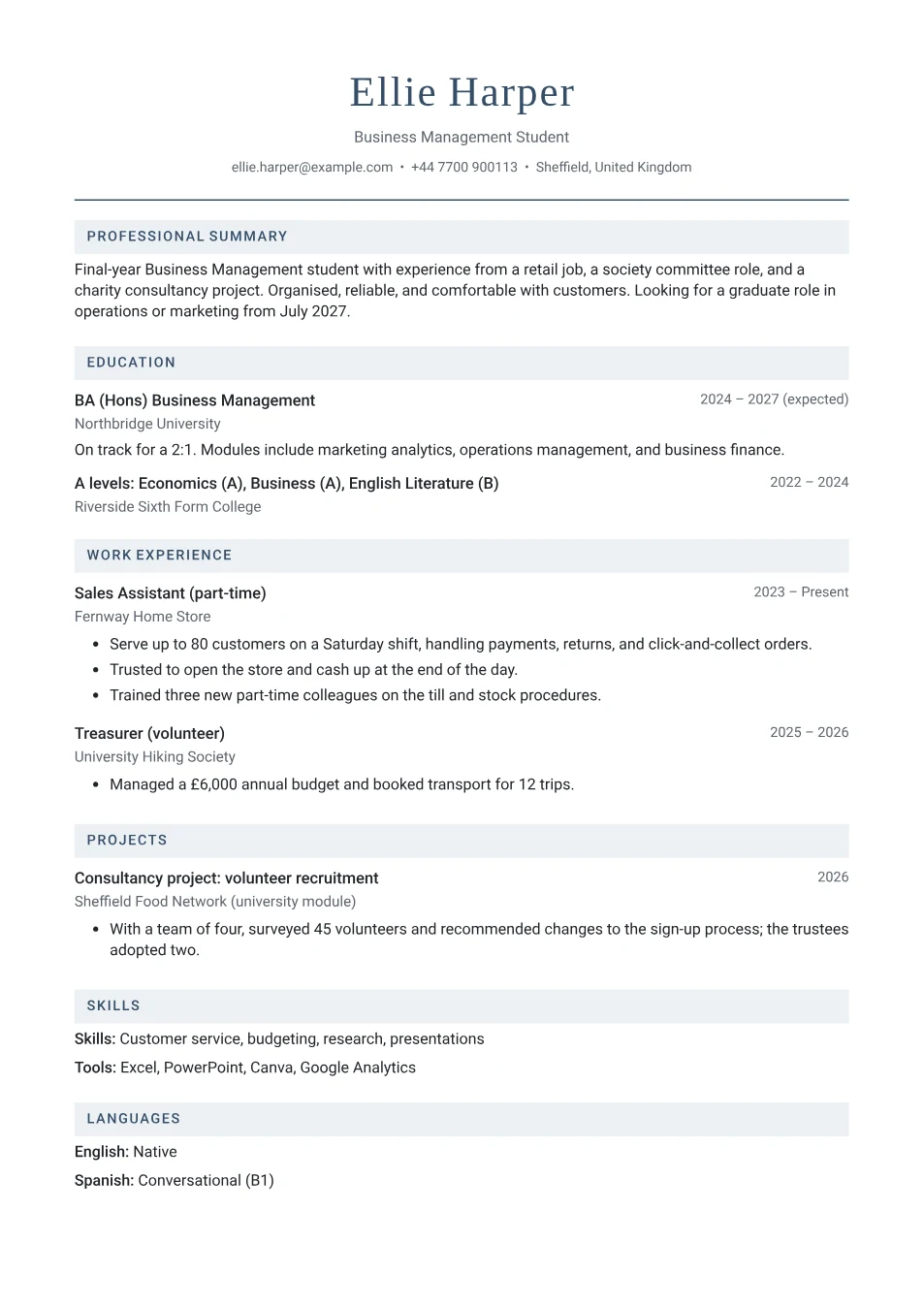
Choose evidence that relates to the role you want. A practical project can show problem solving; regular volunteering can show reliability. Explain your part, rather than listing personal qualities without examples.
If you are not studying, move your strongest project or relevant activity above education. Add volunteer work as an experience entry, or rename the additional section to Volunteering. Leave unused sections empty or hide them.
These examples are fictional. Replace them with details that are true for you.
“Built a simple booking page using HTML, CSS, and JavaScript; tested the form on mobile and fixed keyboard navigation.”
Shows practical tools, testing, and attention to usability.
“Prepared tables and welcomed visitors at a weekly community lunch; helped the coordinator record attendance.”
Shows a regular commitment and clear responsibilities.
“Coordinated a four-person coursework presentation; combined research notes and checked references before submission.”
Shows organisation and a specific contribution to a team.
“Planned weekly appointments and maintained a shared household calendar alongside part-time study.”
Shows planning without sharing sensitive family information.
Write your own line with the free resume bullet point builder. Start your introduction with the resume objective generator, and choose skills you can demonstrate.
The button above starts a blank CV in Clarity, a plain single-column template, with education and projects near the top. Add your own content and preview the A4 PDF before downloading.
Already started a CV? Choose Clarity while keeping your current details, then arrange your sections in the editor.
For school and university applications, see the CV maker for students and graduates. For a detailed walkthrough, read how to write your first CV or the projects guide.
A short, honest application is a useful place to start.
Choose a simple layout, add your contact details and a short introduction, then describe relevant education, projects, volunteering, activities, or responsibilities. Use examples of what you did to support each skill. Empty sections are omitted from your PDF.
Yes. Creating, editing, and downloading the A4 PDF are free. There is no account, subscription, credit card requirement, or watermark.
Yes. Use relevant training, personal projects, community activities, or everyday responsibilities. You can move your strongest section above education in the editor. Do not invent employment to fill a gap.
Include any relevant training, certificates, practical projects, or responsibilities you can explain. Leave empty education entries out and put your strongest evidence first. Keep dates and course completion status accurate.
Aim for a focused page when you have little relevant experience. Use more space only when the application needs it. Check the employer's instructions and proofread the preview before downloading.
Add your own evidence, review the preview, and download your PDF.