Clear & navigable · Modern

Free Compass CV template.

Help every reader find their way.

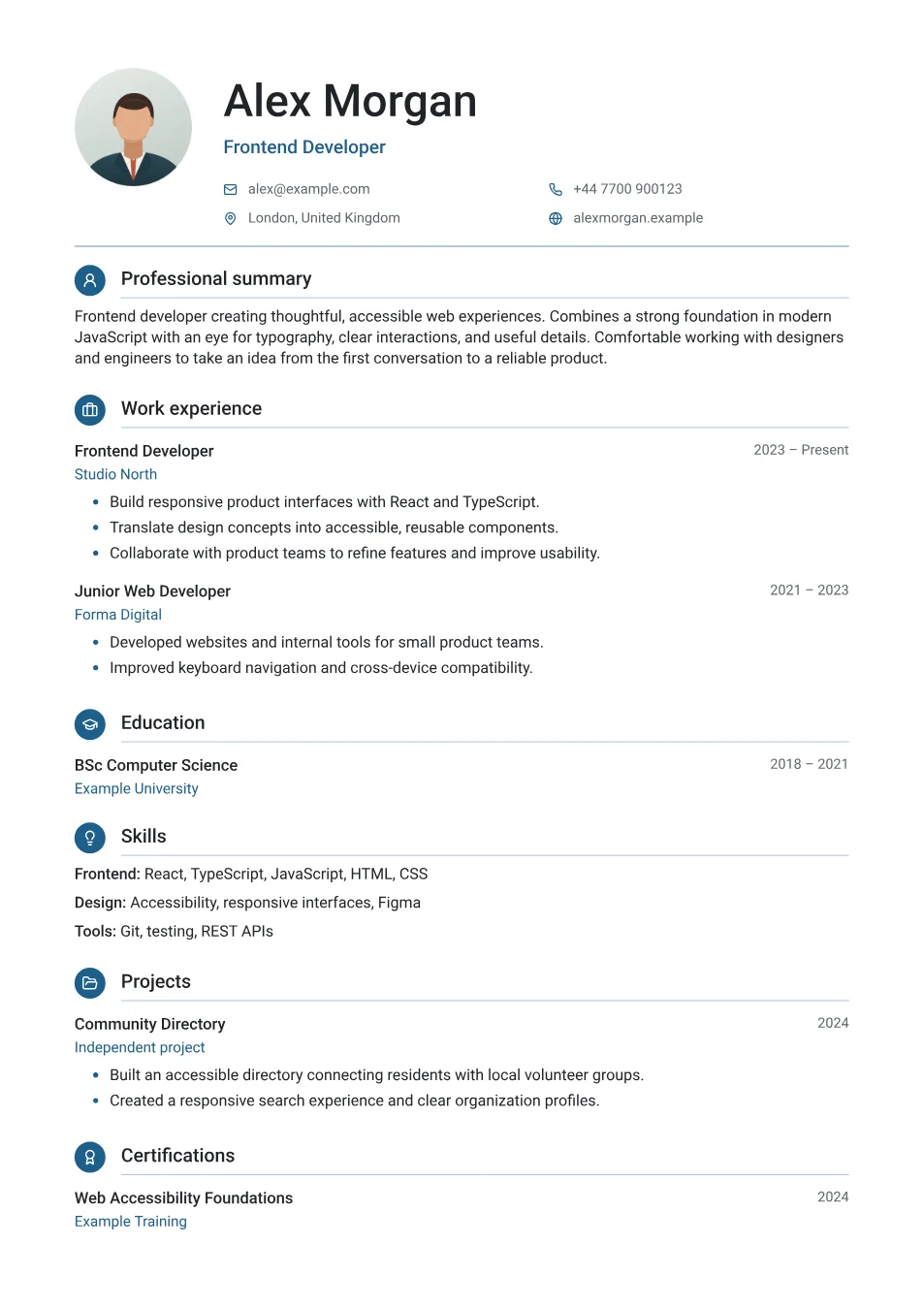
Your name and title sit beside an optional round photo, with email, phone, location, and website in a two-column icon grid. Each section begins with a coloured circle holding a simple icon — a briefcase for experience, a cap for education — followed by a fine rule.

  • Icons for every section
  • Two-column icon contact grid
  • Optional round photo
  • Clean single-column body
Free PDF. No sign-up. Your details stay private.
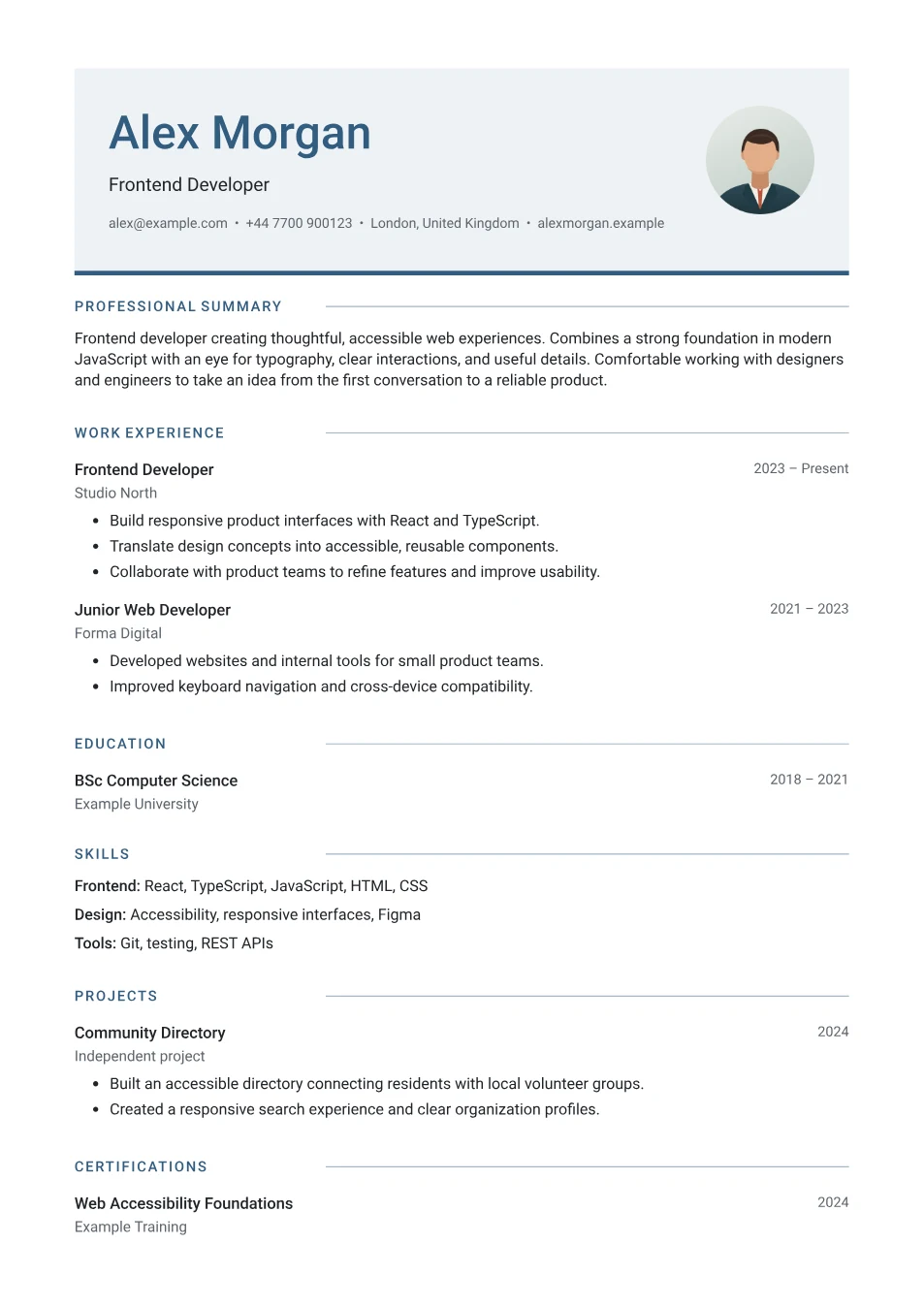
Compass CV template example with icons for every section
Fictional example · A4 PDF · your CV starts blank

Who it suits

Applicants who want a friendly, modern CV that is quick to scan, especially for client-facing, technology, operations, and early-career roles.

Compass keeps one reading order from top to bottom, so a recruiter and an online application system meet your sections in the same sequence.

Its modern styling suits most office, technology, and client-facing roles, where a clear hierarchy matters more than ornament.

The profile photo is optional. CVs for jobs in the UK, Ireland, the US, and Canada usually leave it out, while a photo is more common in parts of continental Europe, the Middle East, and Asia. Follow the employer’s guidance when it is given.
Your information, your order

Add or remove entries, move sections, and keep only what matters for your application. Empty sections stay out of your CV, and longer documents flow across multiple pages.

Pick one of ten accent colours, choose your own, or keep the template’s. You can also switch between a sans and serif body and tighten or open up the spacing. Add an optional photo under Personal details — it’s cropped on your device and never uploaded. You can switch templates in the editor without losing your details, and preview every page before downloading your free PDF.